Contents
Short answer: What pays off most to automate is whatever repeats every day, is done by hand and where a mistake costs money: retyping data between spreadsheets, notifying customers of order status, deadline reminders and regular reports. An AI assistant comes only after that, when the data is already in one place. Automating bad data only makes mistakes faster.
Most small companies in the region do not suffer from a lack of tools. They suffer because someone retypes the same data every day from a message into a spreadsheet, from the spreadsheet into a quote, from the quote into an order. So the question is not "how do we bring in AI", but "which manual job takes the most hours from us".
What does automation mean in a small company at all?
It is any job that software does in place of a person, by a rule you gave it. It has nothing to do with robots. Example: when the status in an order changes to "ready for delivery", the customer gets a message by themselves. Nobody has to call.
There are three levels, from simpler to more complex:
- Rules: if X happens, do Y (status, reminder, low stock warning).
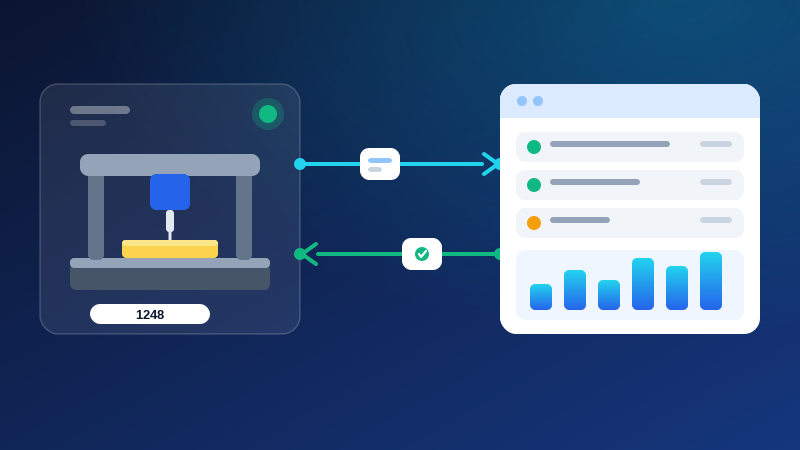
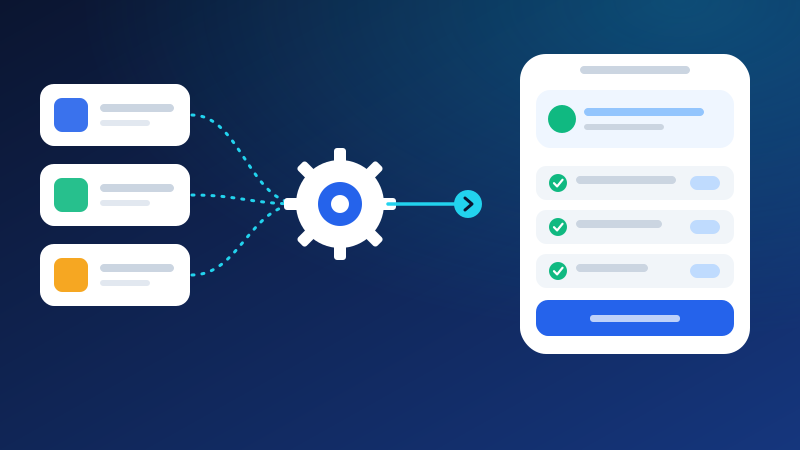
- Connecting: data is entered once and moves by itself to where it is needed (quote to order, order to invoice).
- AI assistant: understands text, summarizes, suggests, answers questions about your data.
What is worth automating first?
The measure is simple: how many times a week it is done, how long it takes and what a mistake costs. The order that most often proves right:
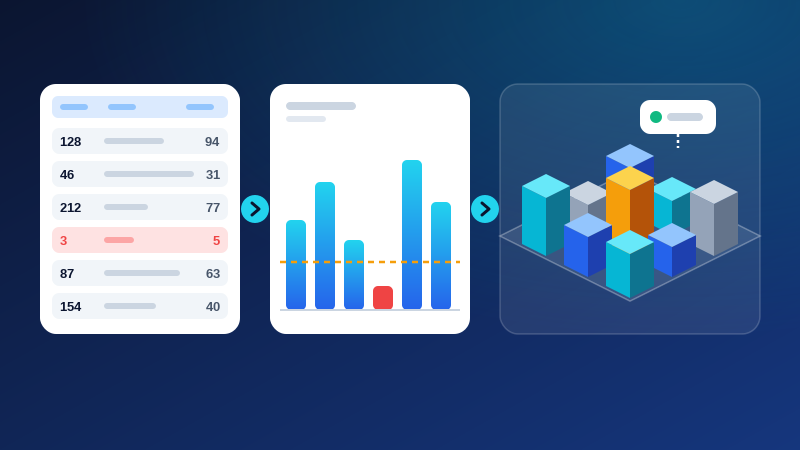
- Retyping between spreadsheets and documents. The most lost hours and the most mistakes. One entry, visible everywhere.
- Order status and notifying the customer. Every "how far along is my order" is a call that can be avoided.
- Deadlines and reminders. Delivery, payment, service, quote expiry. The system remembers instead of your head.
- Stock and alerts. A warning when material falls below the minimum, before production stops.
- Regular reports. A weekly overview of sales, collections or production that puts itself together, instead of by hand on Friday afternoon.
Where does an AI assistant make sense, and where not?
AI is useful when it has something to read. If orders, customers and stock are in one place, an assistant can answer the question "which orders are late this week" or summarize a correspondence with a customer. If the data is scattered across spreadsheets and messages, the assistant has nothing to rely on and guesses.
It does well at:
- summarizing long correspondence and meeting notes,
- searching and answering questions about your own data ("how much did we sell to customer X last month"),
- preparing drafts of quotes and replies, which a person reviews.
You should not give it:
- final decisions on price, credit or termination without a person checking,
- data that you must not send outside the company without an agreement on protection,
- work that can be solved with an ordinary rule. A rule is cheaper, faster and predictable.
How much does it cost and how long does it take?
It depends on scope, but the smart path is phased. You start with the one process that hurts the most, not the whole company. The first usable version usually arrives in a few weeks, and more complex systems grow in phases, without stopping work. The price is then tied to a concrete result (hours you get back, mistakes that disappear), not to a vague package.
How to start, step by step
- Write down your week. What does the time go on? Note the jobs that repeat and are retyped by hand.
- Pick one. The one with the most hours or the costliest mistakes.
- Bring the data to one place. Without that there is neither automation nor AI.
- Automate that one process and measure the difference after a month.
- Only then add the next one, including an assistant if it makes sense.
Frequently asked questions
Do we need AI to automate our work?
No. Most of the benefit comes from ordinary rules and connecting data. AI is added once there is enough good data.
Can we keep Excel?
Yes, as a starting point. Existing spreadsheets can be imported, and the system takes over what repeats.
What if employees do not want a new tool?
Systems built around the way the company already works do best, with a simple screen on the phone. That is why the prototype is shown first, and only then is anything built.
Is it worthwhile for a company of ten people?
Often especially for such companies, because one person less spent on retyping means a visible share of capacity. It is checked with a calculation: hours per week times the number of weeks.
Build a free prototype for your company
Describe your process, and we will show you what a custom digital system would look like.
Read more
5 signs your business has outgrown Excel spreadsheets
How to recognize that spreadsheets no longer keep up with the work.
Custom software or an off-the-shelf solution? How to choose
An honest comparison, with real costs and a middle path.