Contents
- 1. The same information lives in several places and never matches
- 2. You spend hours on manual retyping and merging
- 3. When someone asks where we stand, you have to dig for the answer
- 4. Everything depends on one person and one file
- 5. Mistakes from manual work start to cost money
- Why Excel breaks exactly when the company grows
- What changes with a custom system
- How to see what it would look like for your company
Excel is a great tool to start with. Almost every company begins with spreadsheets, and that is perfectly fine while there is little work. The problem starts when the company grows and the spreadsheets stay the same. At some point a helpful Excel becomes a brake, and most owners notice only when mistakes and lost hours begin. Here are five signs that you have reached that point.
This is not about Excel being bad. It is about the fact that it was built for one person to keep one spreadsheet, not for ten people to work on the same data at the same time across several processes. Once the business crosses that line, spreadsheets start working against you. Do you recognize any of this?
1. The same information lives in several places and never matches
The price is in one spreadsheet, stock in another, customers in a third, and someone copies between them by hand. Sooner or later they differ. One person looks at the old version, another at the new one, and nobody is sure which is correct. The time you spend checking which figure is right is pure loss, and decisions made on the wrong spreadsheet cost far more.
2. You spend hours on manual retyping and merging
Month-end means copying from one spreadsheet to another, adding up by hand, producing a report that is already out of date by the time you finish. Nobody likes that job, it is done under pressure, and that is exactly why most mistakes happen in it. If someone in the company spends half a day a week just retyping and tidying spreadsheets, that is half a working day that could have gone into real work.
3. When someone asks where we stand, you have to dig for the answer
A customer calls and asks how far their order has got. A colleague asks how much is left in stock. You know the answer is somewhere in the spreadsheets, but you have to look for it, double-check it and only then reply. When a simple question takes five minutes of digging, it means the data exists but does not work for you. The answer should be there at a glance.
4. Everything depends on one person and one file
There is that main spreadsheet that only one person understands. When they are on holiday or leave the company, nobody knows how things stand. All it takes is for the file to be accidentally overwritten, corrupted, or for someone to delete a row, and part of the business stops. Knowledge of how the company works should not live in one head and one file.
5. Mistakes from manual work start to cost money
A wrongly entered figure, a duplicate entry, a row someone accidentally moved, a deadline that slipped out of sight. While the company is small, such mistakes are easy to catch. When the business grows, they pass unnoticed and turn into a wrong delivery, a lost customer or a cost you did not plan for. The more people touch the same spreadsheets by hand, the greater the chance that something goes wrong.
Why Excel breaks exactly when the company grows
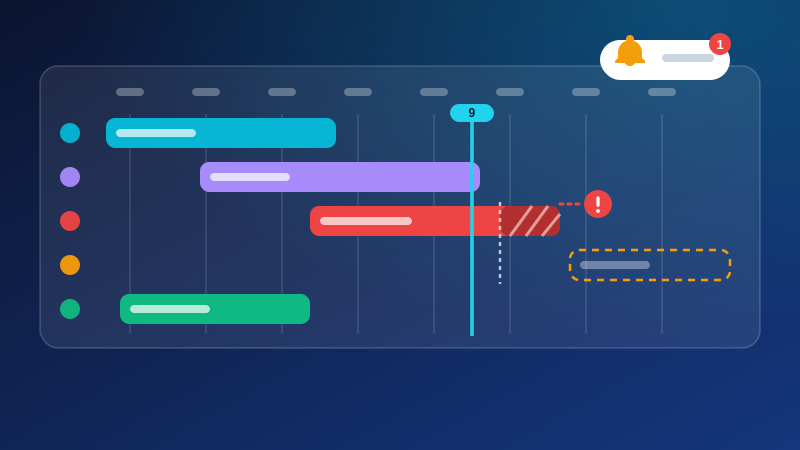
Excel was built for an individual and for one spreadsheet at a time. Anything beyond that works by force. Several people cannot reliably work at the same time, there are no rules about who may change what, there are no alarms when something gets stuck, and there is no link between spreadsheets unless someone joins them by hand. Those are not flaws of Excel, but things it was never meant for. When a company grows, exactly those things become the most important.
What changes with a custom system
The solution is not some big, expensive program that you have to adapt to. The solution is a simple system that follows exactly the way you work. Instead of you working for the spreadsheets, the system works for you:
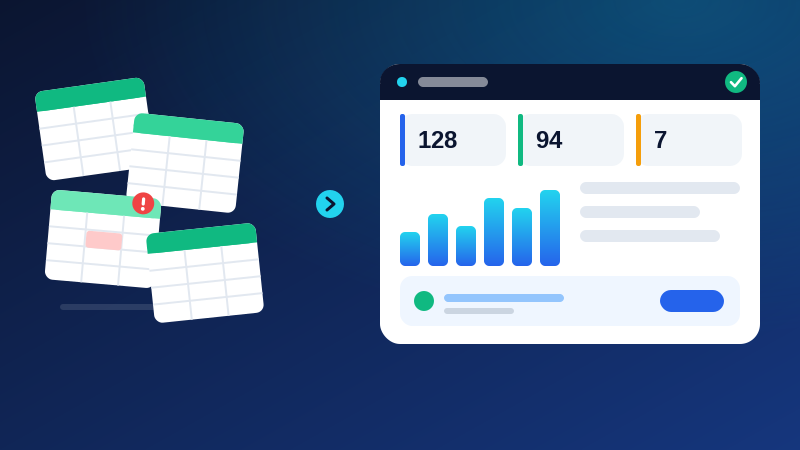
- One source of truth. Data is entered once and everyone sees the same, current version, with no copying between spreadsheets.
- Everyone sees their own. Several people work at the same time, each with their own access rights, without fear that someone will accidentally break the main file.
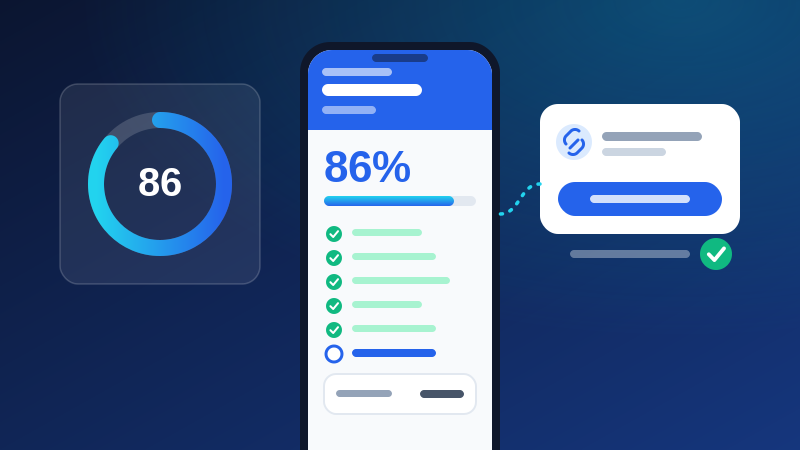
- The answer at a glance. Where each order is, how much is in stock, what is late, all visible immediately, instead of digging through spreadsheets.
That is not more work for your team. It is the same work, just without manual spreadsheet maintenance and the errors that come with it.
How to see what it would look like for your company
You do not have to change anything overnight or buy software straight away. The first step is to see what a digital system would look like for your process. Describe in a few sentences what you do and what troubles you most, and we will build you a custom clickable prototype, so you can see what is possible on your own example. It runs in the browser, with no installation.
Build a free prototype for your company
Describe your process, and we will show you what a custom digital system would look like.
Read more
Why deadlines in production keep getting missed
How to spot a stoppage while it can still be fixed, not after the deadline is already missed.
Business digitalization services
Process analysis, solution design, implementation and support, step by step.