Contents
A customer who has ordered a custom kitchen has one question that comes back every week: "How far along is it?" Most manufacturers answer by phone, by message or with a guess. There is a simpler way that cuts the number of calls and makes a professional impression at the same time. You send the customer a link, they open the page and see for themselves which stage their order is in.
In this article we go through exactly what the customer sees on that link, what they do not see, and why this small thing changes your relationship with the customer throughout the whole build.
The problem: the customer does not know, so they call
Making custom furniture takes time. A kitchen takes three to five weeks, a built-in wardrobe a little less, a larger interior longer. During that time the customer sees nothing. They paid a deposit, signed the agreement and now they wait. It is natural for them to get nervous and call to check.
For production, every such call means an interruption. Someone has to leave the machine or the bench, go to the paperwork or try to recall from memory where that particular order is, and then answer. When you have ten or twenty active orders, those calls add up to a real loss of time. And the customer still does not feel in control, because they depend on whether you pick up and what you say.
The solution: one link, a clear status
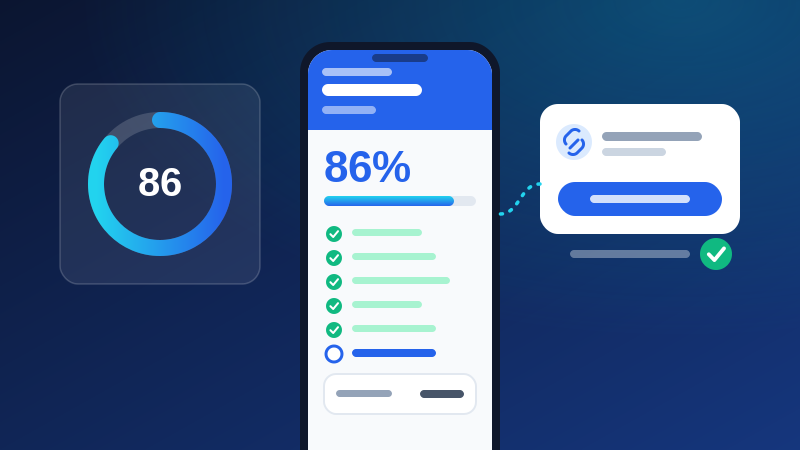
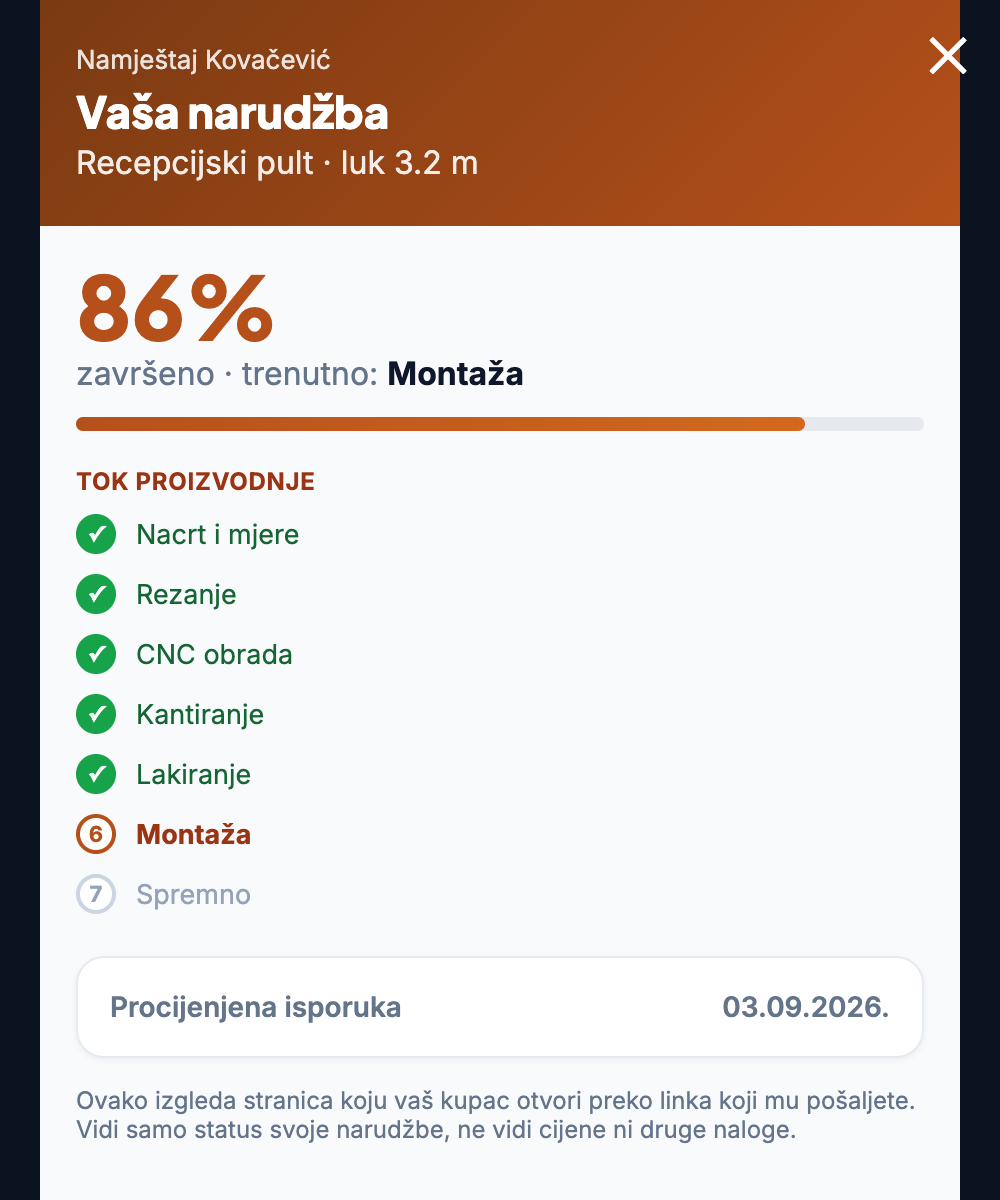
Instead of a call, you send the customer a link. It opens in the browser on their phone, with no installation and no account. On that page the customer sees only their own order and its progress. Specifically:
- The order name, for example "Custom kitchen", so they know right away they are looking at the right thing.
- The current production stage clearly marked, for example that the order is currently at edge banding.
- A timeline of stages from drawing and measurements to delivery, with a tick on everything that is done.
- An estimated delivery date, so the customer knows the timeframe and can plan their own.
The customer sees all of this on their own, whenever it suits them, without calling anyone. The status updates as your team moves the order through the stages, so what the customer sees is always the real state of production.
What the customer does NOT see
This is just as important as what they do see. The link leads to a view built for the customer, not into your internal system. The customer does not see:
- Prices, margins or purchase costs.
- Other orders and other customers.
- Internal notes, the names of your craftsmen or the work schedule.
- Stock, suppliers and everything else that concerns only you.
The customer gets exactly as much as they need to feel at ease, and not a word more. Your business stays yours.
Why this builds trust
Transparency is the standard today. People follow a parcel from a web shop minute by minute, track a food delivery on a map and are used to knowing where their things are. When a furniture maker offers the same level of insight, it immediately looks serious and well organized. It says that there is a system behind the company, not improvisation.
Both sides feel the practical benefit. The customer is calmer because they can check the status at any moment, so they call less often. You have fewer interruptions and give the impression of a company that has things in hand. And when the time comes for the customer to recommend a craftsman to someone, that sense of order is exactly what they remember.
What it looks like in practice
This is not theory. We built a live prototype of furniture production tracking software that includes this customer view. You can open the order board, go into any order and click the option for the customer link, then see exactly what your client would see. It all runs in the browser, with no installation and no preparation.
See the customer view live
Open the prototype, go into an order and see exactly what your customer sees on their phone.
Read more
Production tracking software for custom furniture
A complete overview of how a digital system tracks orders, materials, deadlines and reports in one place.