Contents
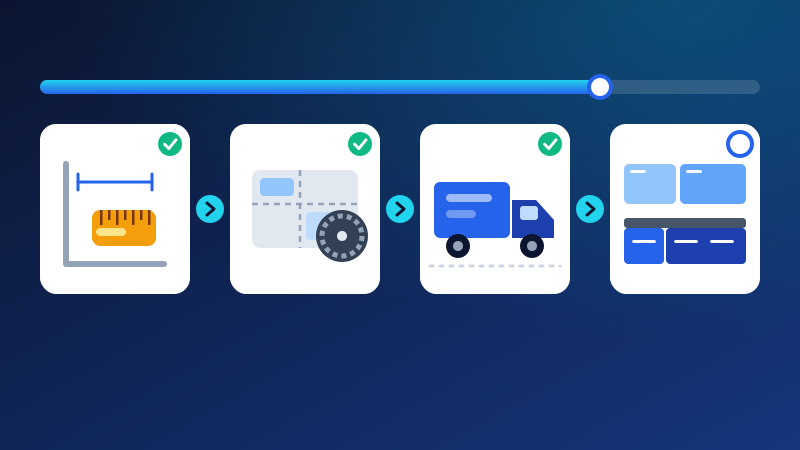
A single custom kitchen passes through many hands before it lands in its place in the customer's home. It is measured, drawn, manufactured, packed, transported and installed. Each of those steps is done by someone different, and it is exactly at the handover from hand to hand that time is most often lost and mistakes happen. Digital tracking does not change how you work. It puts that whole journey in one place, so you know at any moment where each order is.
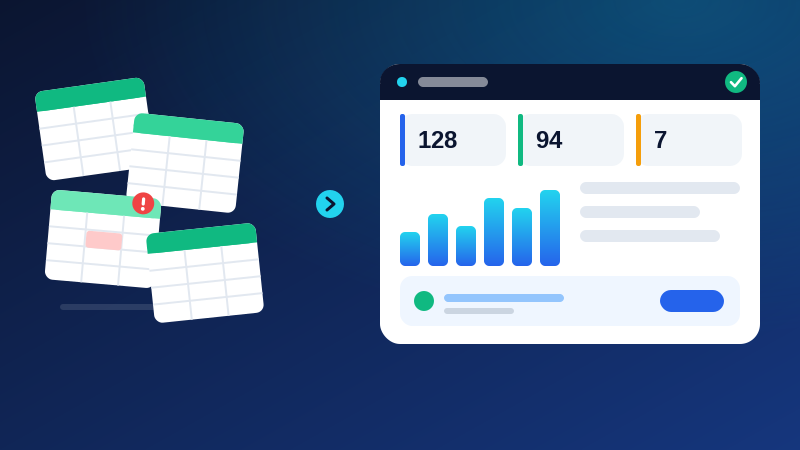
At most manufacturers, order status lives in people's heads, on Viber, in notebooks and in the occasional spreadsheet. While there is little work, that functions. When there are twenty orders at once, each at a different stage, the overview starts to slip. A customer calls and asks how far along their kitchen is, and the answer takes several calls inside the company. To see where a system helps, let's walk through the whole journey of one order.
1. Measuring and design
Everything starts in the field, at the customer's. Measurements are taken, the layout of the units is agreed, along with the choice of colors and materials. From that comes a drawing, often in specialized kitchen design software. The most important thing here is that the measurements and the agreement stay recorded in one place tied to that order, not on a piece of paper that gets lost. When someone in production has a question later, they look at the same drawing the customer approved.
2. Quote and order confirmation
A quote goes out based on the drawing. Until the customer confirms it, the order should not enter production. That is exactly where a quiet mistake happens: someone starts cutting before a change to the fronts has been confirmed, and material gets thrown away. Once the order is in the system, it is clear what is waiting for confirmation and what is ready to move on. Nothing enters production until it is green.
3. Production
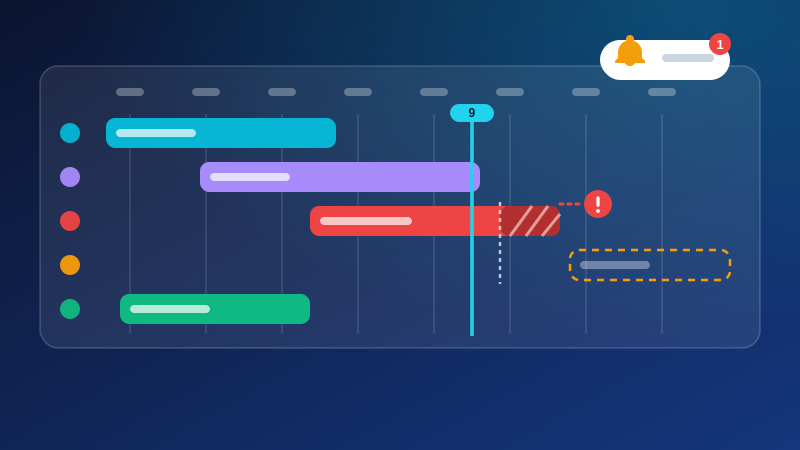
Now the order goes to the shop floor: panel cutting, edge banding, drilling and preparing the components. This is the stage where the most orders pile up at the same time, so it is also the easiest place to lose the sequence. A digital board shows how many orders are in production, which are urgent and where a bottleneck is forming. Instead of agreeing priorities by guesswork, they are visible at a glance.
4. Worktops and fittings
A kitchen is not just the carcass. There are granite or quartz worktops, sinks and taps, handles, and the appliances that get built in. Some of that is ordered from suppliers and has its own lead time. If the worktop is late, the whole installation is late, no matter how on time the carcass was. When those items are tied to the order too, you can see in good time what has not yet arrived, before the crew goes out to the site.
5. Transport
The finished kitchen is packed and driven to the customer. For companies that also serve foreign markets, there is export too, with its own paperwork and longer lead time. The system helps to plan transport together with installation, so you know which orders go in the same direction and which are ready for loading. Fewer empty trips and fewer situations where the crew goes out to a site and something is missing.
6. Installation at the customer's
Installation is the moment when the customer sees the finished product for the first time, and it is what they remember the whole collaboration by. For it to go smoothly, the installation team must have the exact drawing, all the components and all the fittings for that order. When the order is complete in the system, the crew goes out with everything it needs, instead of discovering on site that something is missing. The installation date is tied to the order and to the address, so the day is easy to plan.
7. Handover
At the end the order is closed: the kitchen is installed, the customer has taken it over, and any small items are noted for completion. A closed order is not just a formality. It is data that shows how long it really took from measuring to installation, where delays most often happen and which step takes the most time. That is the basis for giving a more realistic deadline next time.
What you get when it is all on one board
When this whole journey sits in one place, instead of scattered across Viber and notebooks, everyday life in the company changes:
- The answer at a glance. Where each order is and what is late is visible immediately, without walking around the shop floor and calling the craftsmen.
- Bottlenecks show up in time. When orders pile up at one stage, you notice while you can still react, not after the deadline is already missed.
- Fewer handover mistakes. The drawing, material and fittings are tied to the order, so it happens less often that something is missing on the very day of installation.
- More realistic deadlines. Closed orders show how long the work really takes, so you promise the customer what you can deliver.
That is not more work for your team. It is the same work, just with a clear picture instead of constantly agreeing where things are.
Later, a link to the machines
Once basic order tracking is up and running, the next step can be connecting to the CNC machines on the shop floor, so that the status of cutting and processing is not entered by hand but updates itself. It is not the first step and not necessary for everyone, but it is a natural continuation when a company wants even less manual work. We will write separately about when such a link pays off.
How to see what it would look like for your company
You do not have to change anything right away or buy software. The first step is to see what this kind of tracking would look like for your process. Describe in a few sentences how you work and where it pinches most, and we will build you a custom clickable prototype, with your stages, so you can see what is possible on your own example. It runs in the browser, with no installation.
Build a free prototype for your production
Describe your process, and we will show you what custom digital order tracking would look like.
Read more
Why deadlines in custom furniture making keep getting missed
How to spot a stoppage while it can still be fixed, not after the deadline is already missed.
5 signs your business has outgrown Excel spreadsheets
When helpful spreadsheets become a brake, and what changes with a custom system.